

Bitcoin Cash was made to be spent, and flowers for someone you love are a good thing to spend it on. FlowersUSSR accepts Bitcoin Cash for flower delivery to 33 countries, from Russia and Ukraine to the United States, Germany and Thailand. A florist in the recipient’s own city arranges the bouquet and delivers it by hand; nothing is posted in a box.
Here is exactly what happens when you pay with BCH on our site, step by step.

Crypto and flowers since 2014
We were the first international flower delivery service to accept cryptocurrency: Bitcoin and Litecoin, in 2014. Bitcoin Cash, which split from Bitcoin on August 1, 2017, joined the list later. Today you can pay with more than 20 cryptocurrencies, and Bitcoin Cash payments are recognized automatically: nobody has to look at a wallet before your order goes ahead.
Step 1: Open the catalog for the recipient’s city
The catalog depends on where the flowers are going, not on where you are. Prices and delivery days change with the destination, so start from the recipient’s city, for example Moscow or a town in the United States. Delivery is already included in every price, and nothing is added at checkout.
If the city isn’t listed, write to us. We can often find a florist in a city that has no page yet.
Step 2: Fill in the order
- Delivery date. The earliest is the next day; the checkout shows the days available in that city. We don’t offer same-day delivery anywhere.
- Card message. A small greeting card with your words comes free with every order.
- The recipient’s details. Their street address and phone number. No address? Tick “I don’t have the recipient’s address” at checkout and give a local phone number in the recipient’s country: we will ask them for the address before the order goes to the florist.
- Surprise or a call. The florist calls the recipient to agree on a convenient time. Tick “Surprise delivery” if you’d rather nobody called ahead; you then take responsibility if they aren’t home.
Step 3: Choose Bitcoin Cash and place the order
Pick Bitcoin Cash among the payment methods and place the order. The next page is your payment box. It shows:
- The amount to send, in BCH. Send exactly this amount.
- An address made for your order alone. It is a standard Bitcoin Cash address (CashAddr, starting with q; the “bitcoincash:” prefix is left off, as most wallets do). Use it only for this order.
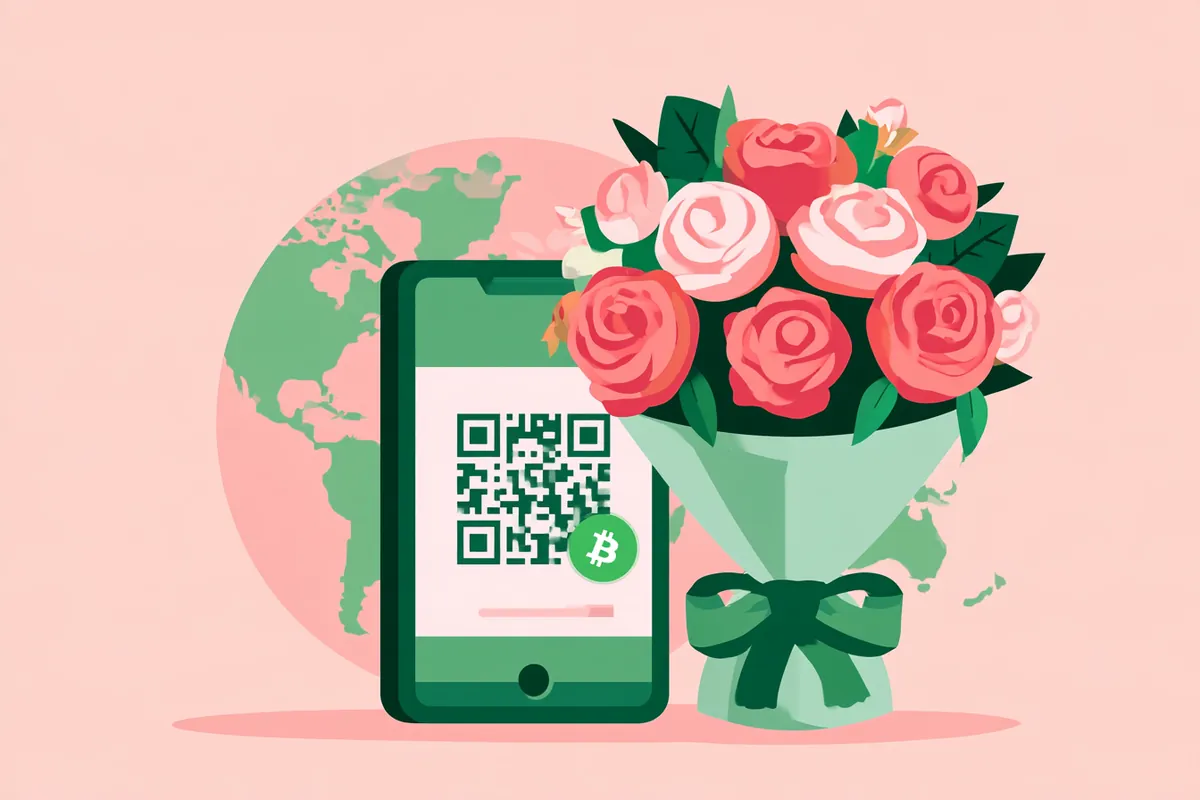
- A QR code to scan with your wallet app, and an “Open in my wallet app” button that opens your wallet with the address and amount already filled in.
The same amount and address come to you by e-mail, so you can pay later from another device.

Step 4: Send the payment
Send the BCH from your own wallet. Paying from an exchange works too, but exchanges often take their fee out of what they send. Make sure the whole amount arrives.
Pay soon after you place the order. The BCH amount is worked out when you order; a payment that arrives much later is checked by a person before the order is confirmed, because the price may have moved in the meantime.
Step 5: Watch it confirm
You don’t need to send us a transaction ID or a screenshot. The payment box follows the network for you:
- Waiting for your payment. Nothing has arrived yet.
- Your payment is on its way. The network has seen it and we are waiting for it to be confirmed.
- Payment received — thank you! The order is paid and we start preparing it. We confirm the payment by e-mail as well.
If only part of the amount arrives, the box says so and shows what is still to send. Send the rest to the same address.
After you pay
Your order goes to a florist in the recipient’s city, who arranges the bouquet and brings it to the door on the date you chose. We confirm the delivery by e-mail.
Flowers vary by country and season. If something in the bouquet is unavailable, the florist replaces it with flowers of the same value and keeps the style and colors. Roses are never swapped for other flowers without your approval.
If we can’t make the delivery date, we tell you before the date, and you choose: another day or a full refund.
Privacy when you send flowers
You can send flowers anonymously: tick “Send anonymously” at checkout and we won’t give your name to the recipient or the florist. The delivering florist never gets your e-mail, phone or payment details, whichever way you pay.

Other ways to pay
Prefer another coin? Bitcoin, Ethereum, Tether, USD Coin, Litecoin, Dogecoin and more are on the How to pay page, along with cards, PayPal, Apple Pay, Google Pay and Zelle. Our guide to buying flowers with Bitcoin covers paying with BTC.
Questions before you pay? Write to us at [email protected], on WhatsApp or on Telegram, every day from 8 AM to 8 PM EST (New York time).